Know before you apply
A live checklist reads your business verification, display name and number status from Meta and explains each item in plain words.

Conversations
The blue tick (Meta calls it an Official Business Account) shows customers that Meta has confirmed your WhatsApp number belongs to a real, well-known business. WhatSell checks your account against Meta's requirements, tells you what to fix and sends your application straight to Meta. You follow Meta's answer in the same place.
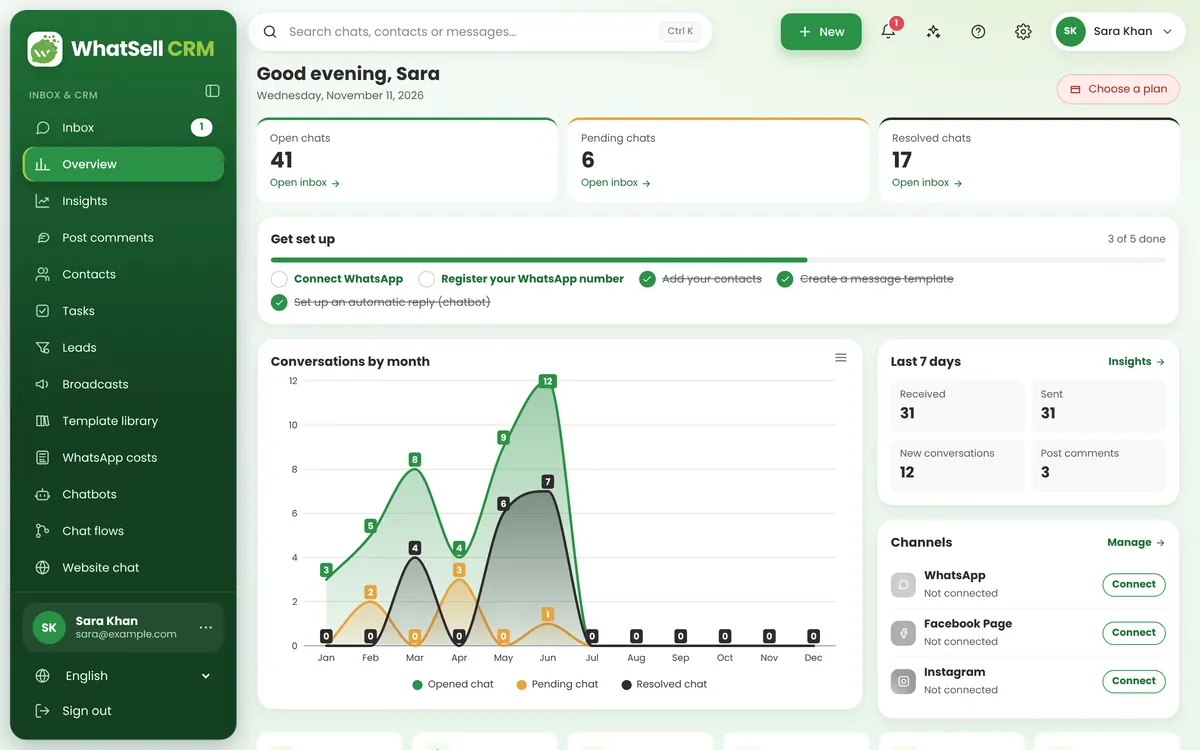
A live checklist reads your business verification, display name and number status from Meta and explains each item in plain words.
Your website, country, language and the links that show your business is well known.
WhatSell checks the status every day. If Meta says no, you see Meta's reason and the date you can apply again.
Meta reviews every application and does not publish a review time. WhatSell helps you prepare and send it.
See what Meta asks for, for WhatsApp API numbers and for WhatsApp Business app numbers.
Start free, or see it working in a live demo with our team.