Phonebooks
Group contacts into phonebooks such as VIP or Leads, import them from a CSV file and export them again.

Growth
Contacts, phonebooks, chat labels, notes and tasks sit next to your conversations, so every customer's story is in one place.
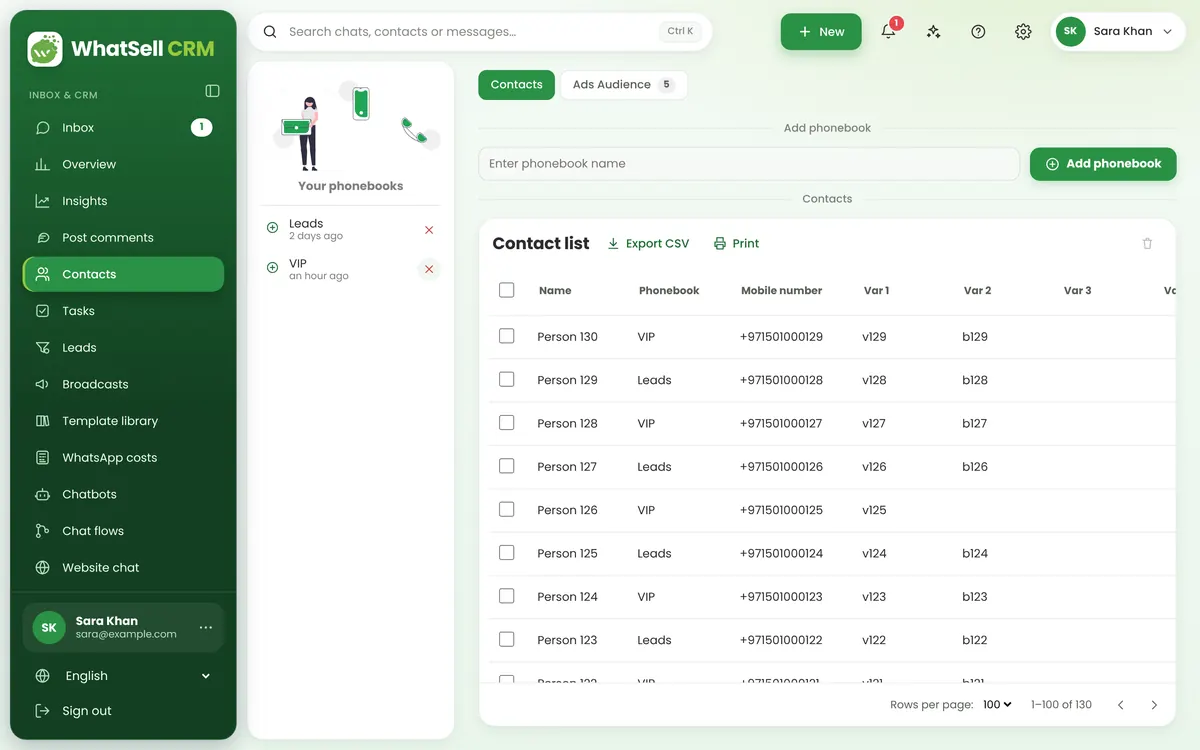
Group contacts into phonebooks such as VIP or Leads, import them from a CSV file and export them again.
Store extra details per contact (Var 1, Var 2, …) and use them as variables in templates.
Label chats (for example Hot lead or Paid) and keep a note on each customer.
Give agents tasks with a dashboard, a table and a board view; agents see their own tasks.
Send a list of contacts to a Facebook or Instagram custom audience for your ads.
Start free, or see it working in a live demo with our team.