Library by industry
Templates for e-commerce, education, events and webinars, finance, travel, automobile, healthcare, consulting and professional services, real estate, and general use.

Conversations
Pick a template by industry, adjust the words and send it to Meta for approval in one click. Approved templates are ready for broadcasts, chats and the API.
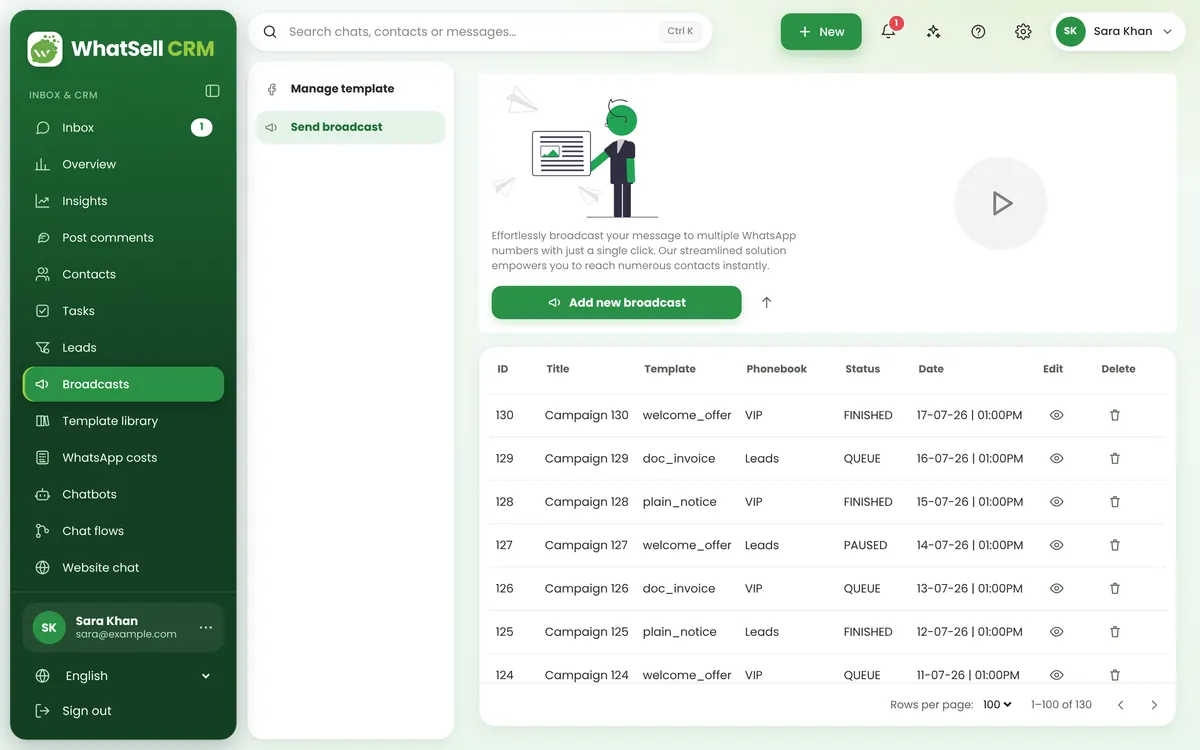
Templates for e-commerce, education, events and webinars, finance, travel, automobile, healthcare, consulting and professional services, real estate, and general use.
Utility templates confirm or update something the customer started, such as an order or appointment. Marketing templates are for offers and news, and give people a way to stop messages.
Variables are numbered {{1}}, {{2}} in order, each with a sample, and never at the very start or end of the message, as Meta's rules require.
Add a header, a footer, quick-reply buttons or a link button where the template needs them.
Meta reviews every template, usually within minutes and sometimes longer. You see the status in your account.
Templates from the library, ready to send to Meta for approval.
Hi {{1}}, thank you for your order {{2}}. The total is {{3}}. We will send you another message when it is on its way.
Hi {{1}}, this is a reminder of your appointment on {{2}} at {{3}}. Reply to this message if you need to change it.
Hi {{1}}, {{2}} here. This week only: {{3}}. Reply STOP if you no longer want offers from us.
Start free, or see it working in a live demo with our team.