Your catalogue, your Meta account
Connect the catalogue you already have, or create a new one in a click. Products are saved in your own Meta catalogue.

Growth
Show your products in WhatsApp, send them in chats and receive orders, all from WhatSell.
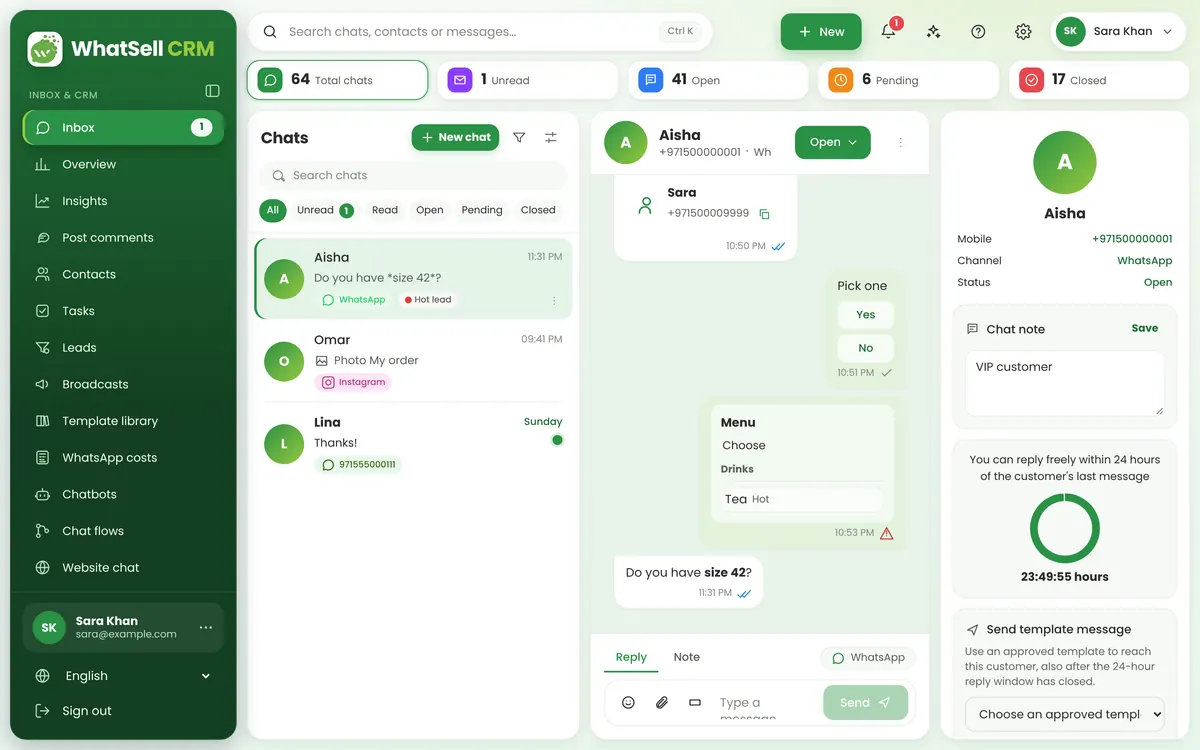
Connect the catalogue you already have, or create a new one in a click. Products are saved in your own Meta catalogue.
Name, description, price and sale price, picture, link, SKU, stock and category.
Upload a CSV; WhatSell checks every row and shows what to fix before anything is sent.
Meta reviews products before customers see them. Each product shows whether Meta has approved it, and the import status shows any problems.
Choose whether customers see the shop button and can add products to a cart.
Your team can send one product or a list of up to 30 from the inbox, within 24 hours of the customer's last message (WhatsApp's customer service window).
When a customer sends an order from their cart, you see the items and the total in the chat.
WhatsApp allows one catalogue for each WhatsApp Business account.
Start free, or see it working in a live demo with our team.