Conversation API
Send text, media, audio, documents, video, lists and reply buttons within the 24-hour window.

Platform
Your WhatSell API key lets your website, ERP or app send messages and approved templates with a simple REST request.
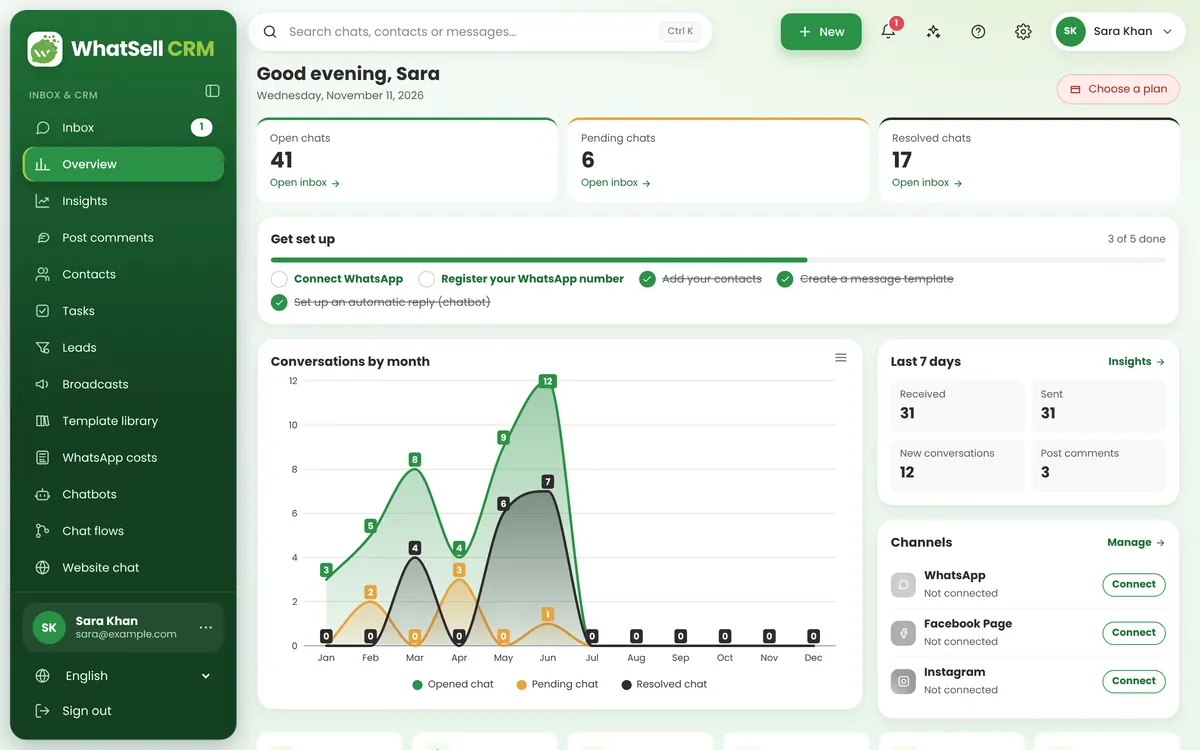
Send text, media, audio, documents, video, lists and reply buttons within the 24-hour window.
Send approved templates with their variables at any time, for example order or appointment updates.
Post website form leads into Leads (JSON or a normal form) for AI research and a drafted reply.
The Request the API step of a chat flow sends GET, POST, PUT or DELETE requests to your own address, with headers and a body built from the conversation, and can use the answer in the reply.
API access shows sample requests to copy, and you can create a new key at any time.
Add an address, choose the events, and WhatSell posts them to your server in real time: messages received and sent, delivery and read receipts, new contacts, new leads, deals that change stage, poll answers, WhatsApp catalog orders and chat assignments.
Your ERP, your website, or tools such as Zapier, Make and n8n.
Every event carries an HMAC-SHA256 signature so your server knows it came from WhatSell.
Only public HTTPS addresses are accepted.
Failed deliveries are retried automatically for up to about a day; if your server stays down, the webhook pauses itself and we let you know.
Your server's answers, a "Send test event" button and one-click resend, plus documentation with an example for every event. Webhooks are managed by the account owner.
Start free, or see it working in a live demo with our team.